Stop running for the bus.
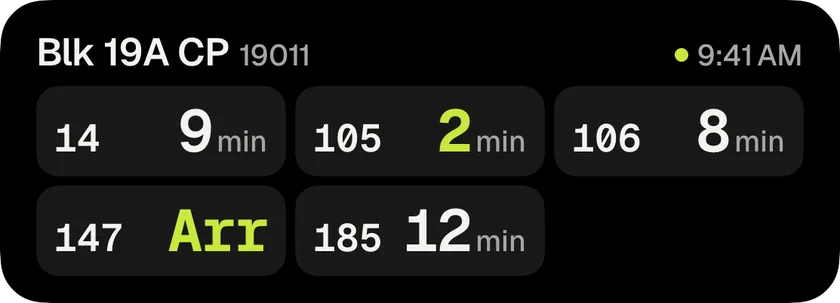
Pick the buses at your stop and they count down on your Lock Screen, refreshed by push. Pocket the phone.
For iPhone · Singapore
Live Singapore bus arrival times, counting down on your Lock Screen and in the Dynamic Island.
Or check a stop right now
Pick the buses at your stop and they count down on your Lock Screen, refreshed by push. Pocket the phone.
The countdown stays in the Dynamic Island while you use other apps.
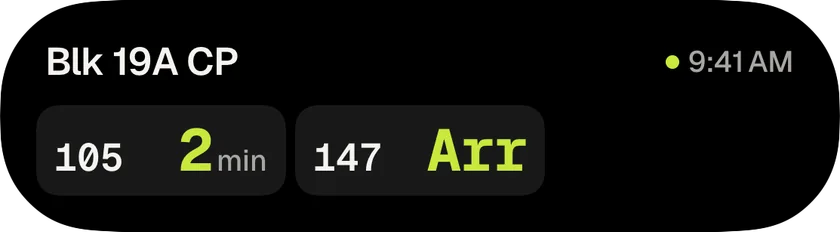
The Bus stop widget puts every bus at your stop on your Home Screen. Whenbus Pro.
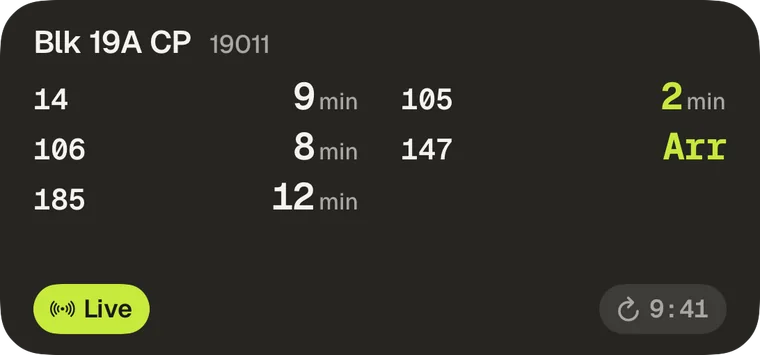
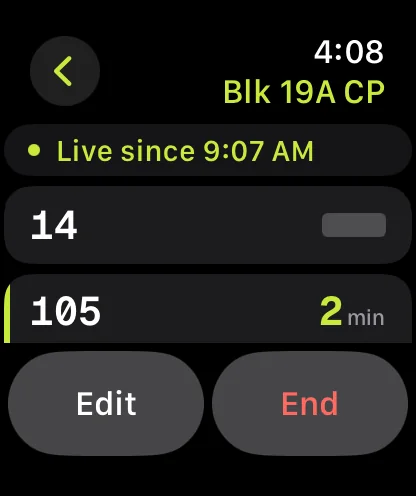
The Apple Watch app shows the board and your Live buses. Whenbus Pro.
Start the countdown from Control Center or the Action Button, without opening the app. Whenbus Pro.
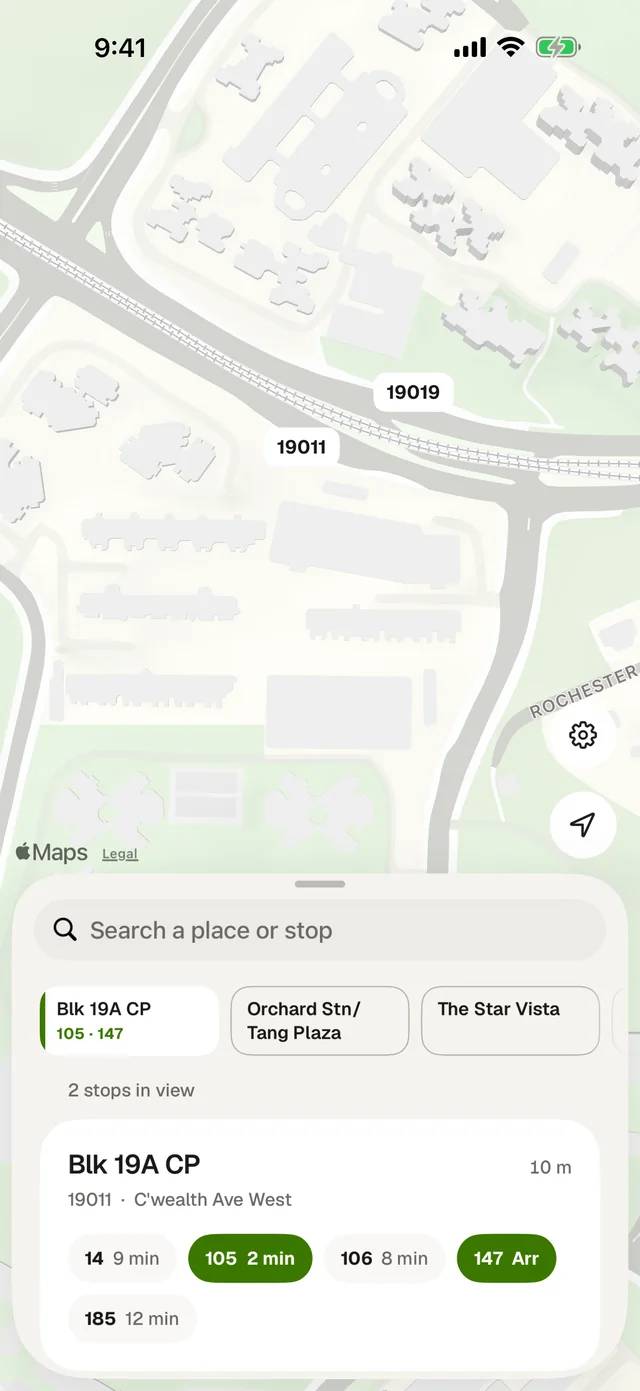
The map opens where you are, with every stop in view and its next buses. Search by name, code or road, or ask for a way there by bus and MRT.
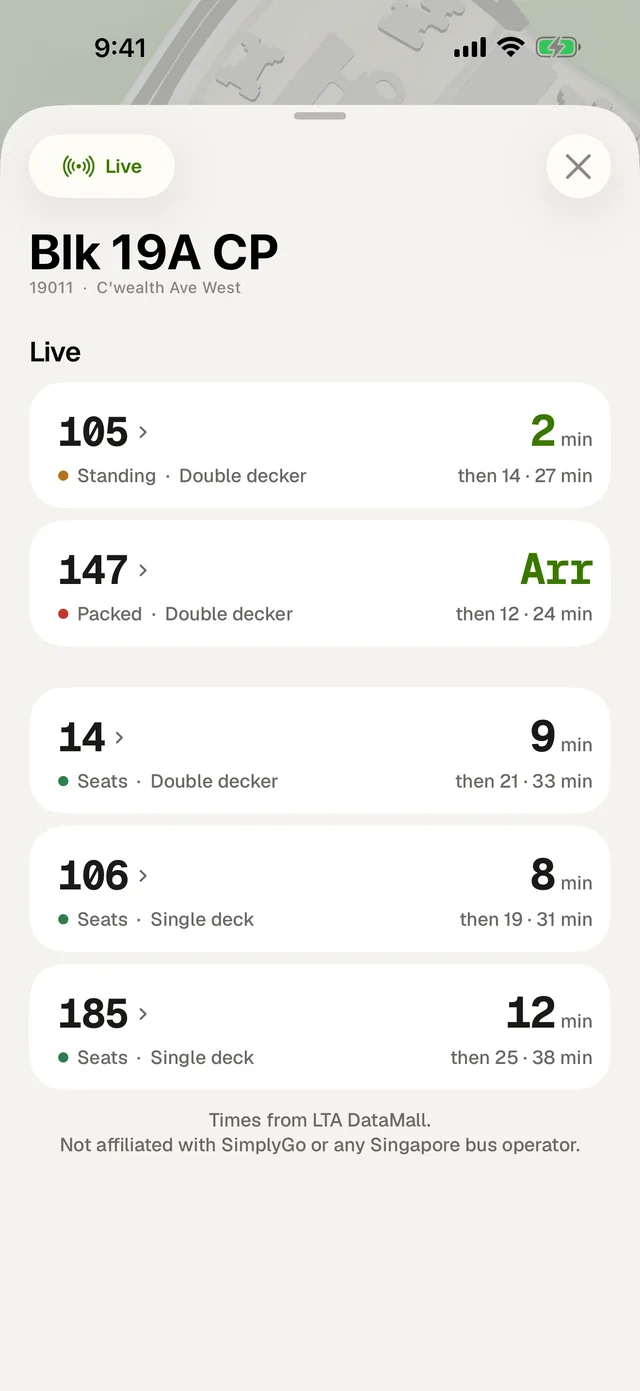
How full:SeatsStandingPacked
Whenbus reads live arrival times from LTA DataMall, the Land Transport Authority's official public data service. The times are the same ones LTA publishes to the bus stop display panels, so a countdown in the app and a countdown on the pole come from one source.
Usually not. Whenbus opens on a map of where you are and lists the stops in view, so the stop you are standing at is normally on the first card. To reach a stop elsewhere on the island, search by name, code, or road in the nearby sheet, or pan the map.
Arr means the bus is arriving now and is at or approaching the stop, rather than some number of minutes away. Whenbus prints it as a word instead of a number because it is not a quantity you can count down.
A slash means no arrival time is being reported for that slot. It usually means the service has finished for the night, is not running at that hour, or the operator is not currently reporting a position for the next bus.
Open a stop, tap Live, pick the buses you want and start. Whenbus puts one Live Activity for that stop on your Lock Screen and in the Dynamic Island, counting down every bus you picked. It refreshes by push, so the app does not need to stay open, and it ends on its own once the buses have gone. To stop it early, tap Stop in the app or swipe the banner away.
Yes. The Bus stop widget (Whenbus Pro) shows every bus at a stop you choose with its next arrival times, and a Live button that starts the Lock Screen countdown without opening the app. Whenbus Pro also adds an Apple Watch app and a Control Center and Action Button control that starts Live in one press.
iPhone, iOS 18.6 or later